
Sections and blocks built to sell
Add 80+ ready-made sections and 25+ blocks to the theme you already use. Edit everything in Shopify’s theme editor, no code.
Join the waitlist and we’ll email you when it’s live.
- Free
- 80+ sections
- 25+ blocks
- No code
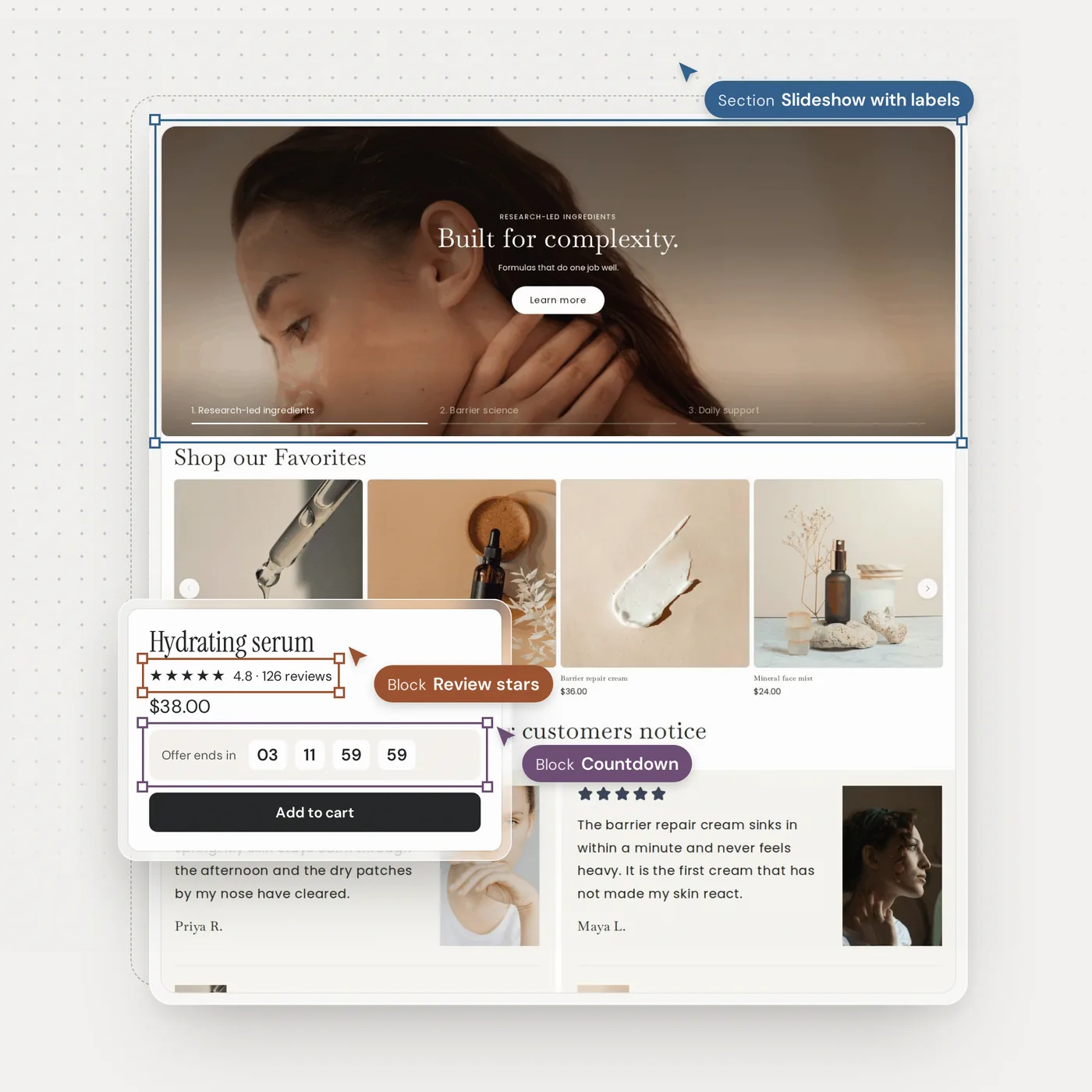
From library to live in minutes
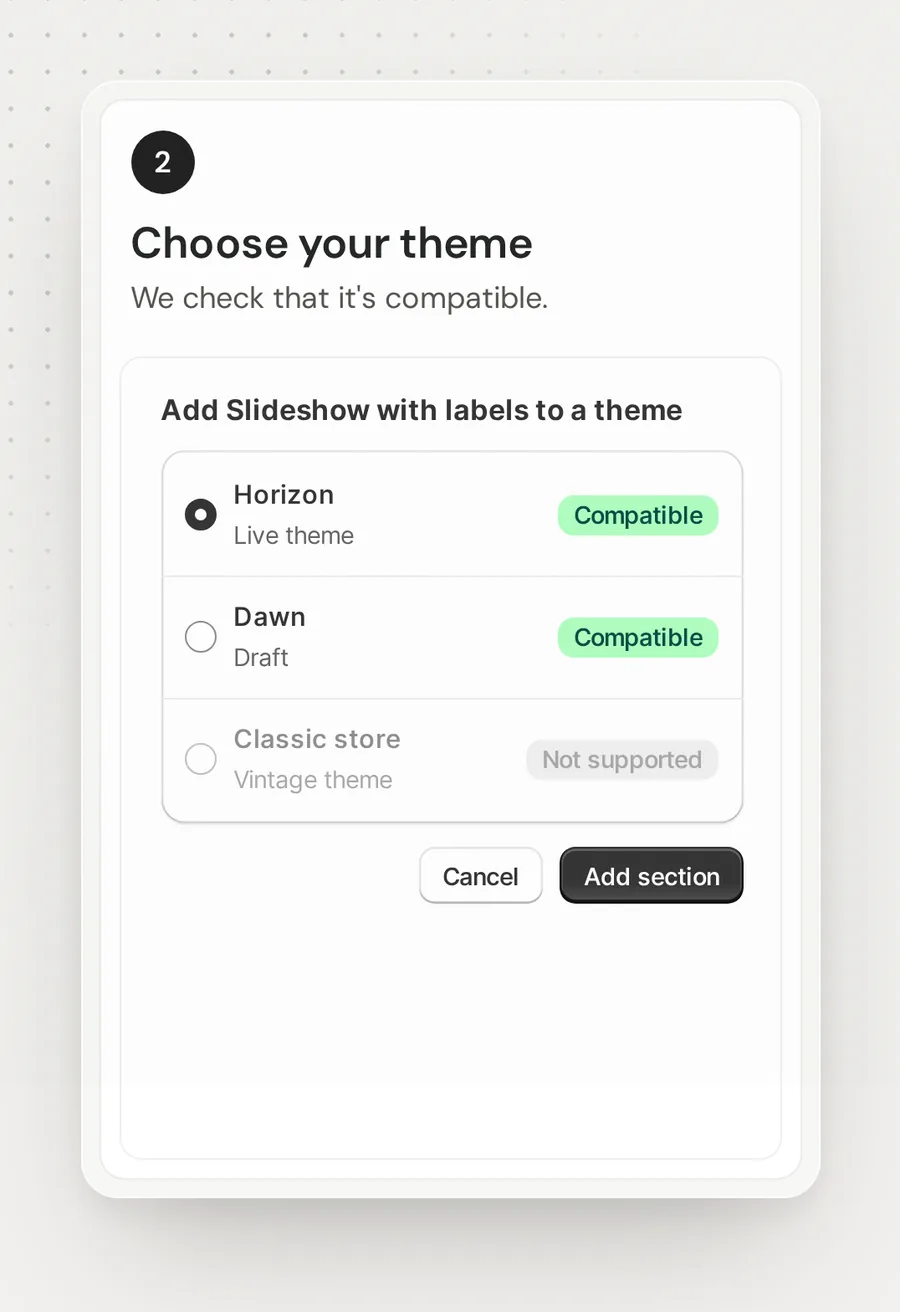
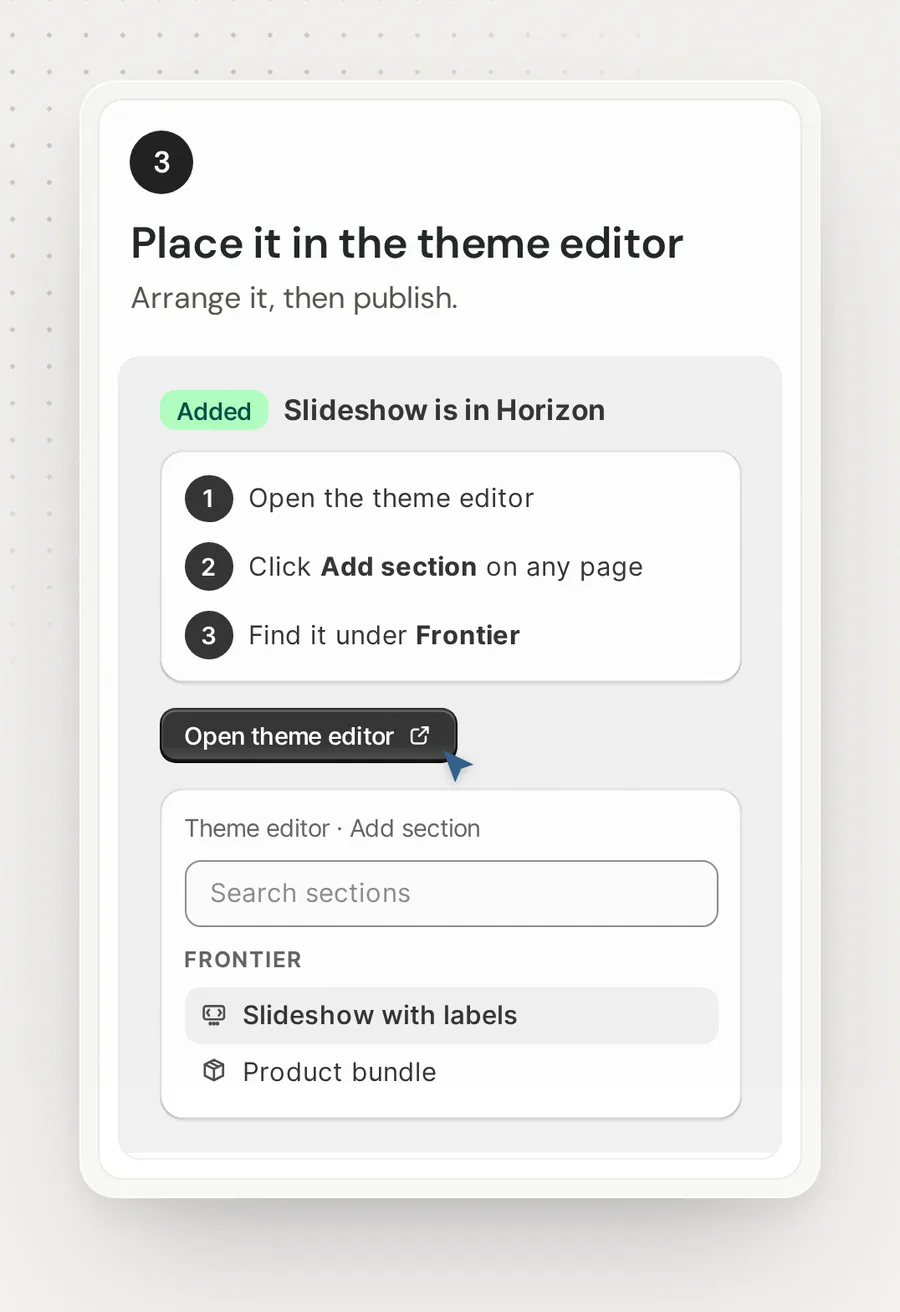
No code needed. Pick a section, choose your theme, then place it in the theme editor like any other section.
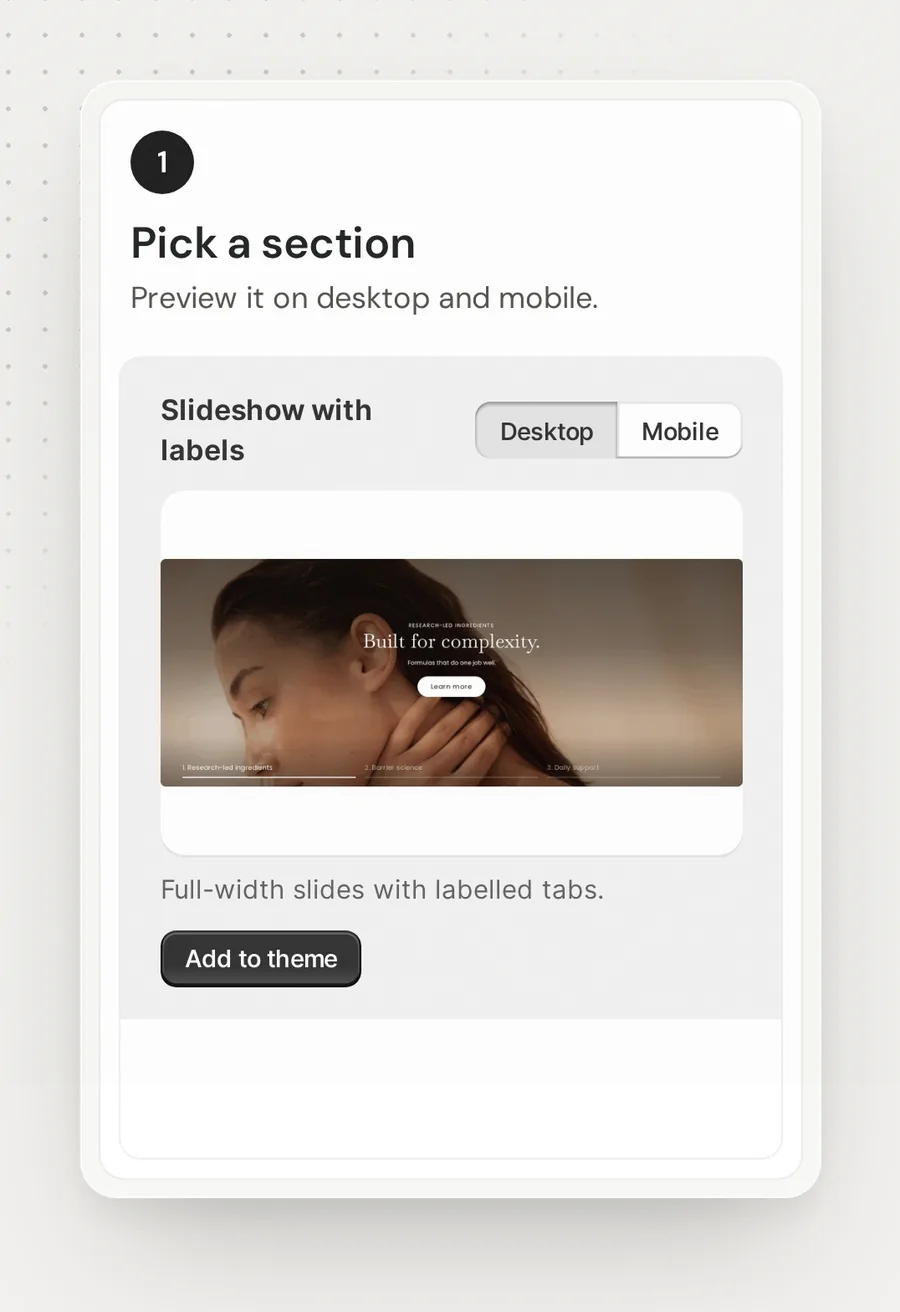
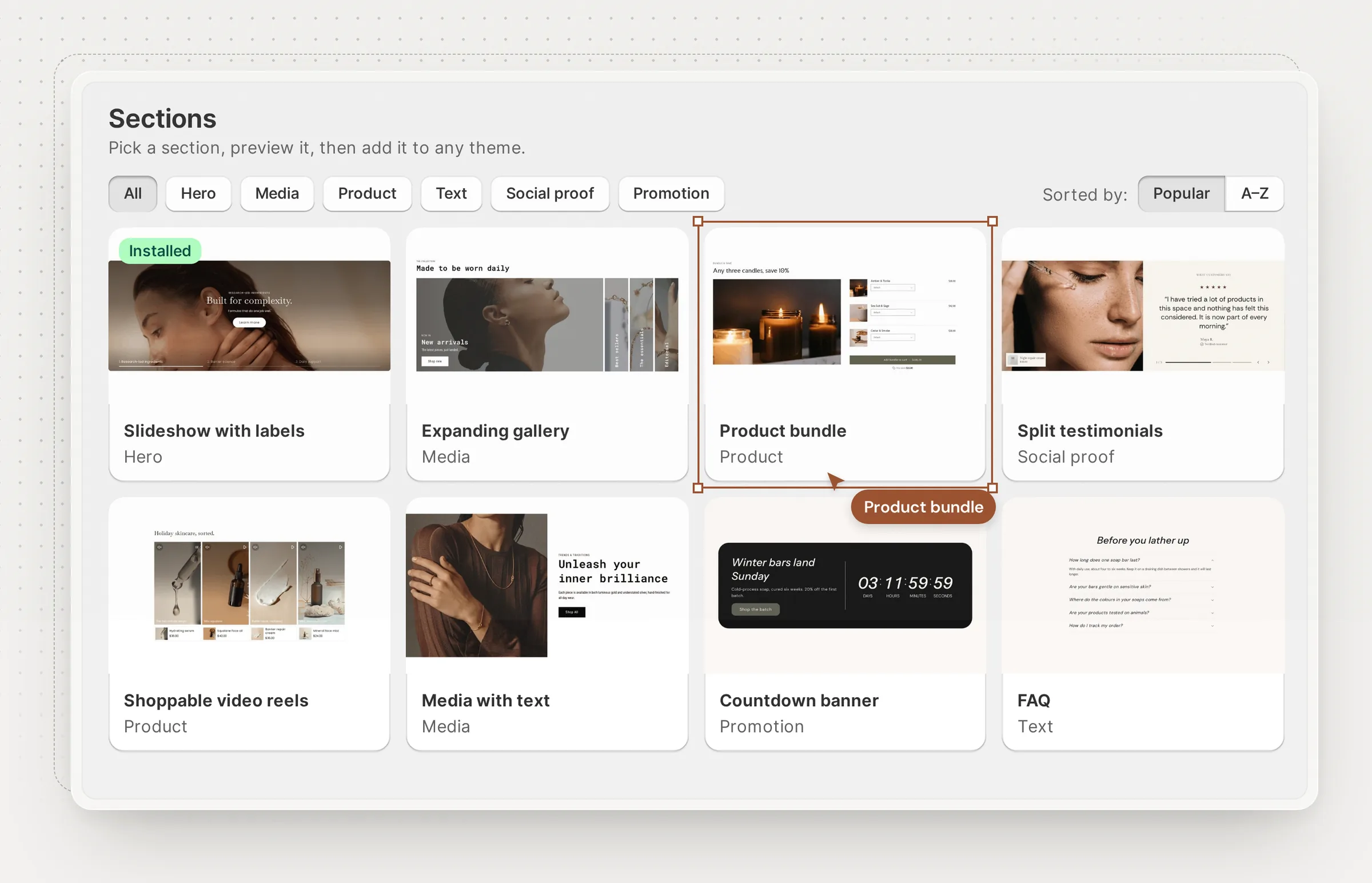
80+ sections for every page
Hero, media, product, text, social proof and promotion sections. Preview each one on desktop and mobile, then add it to your theme.
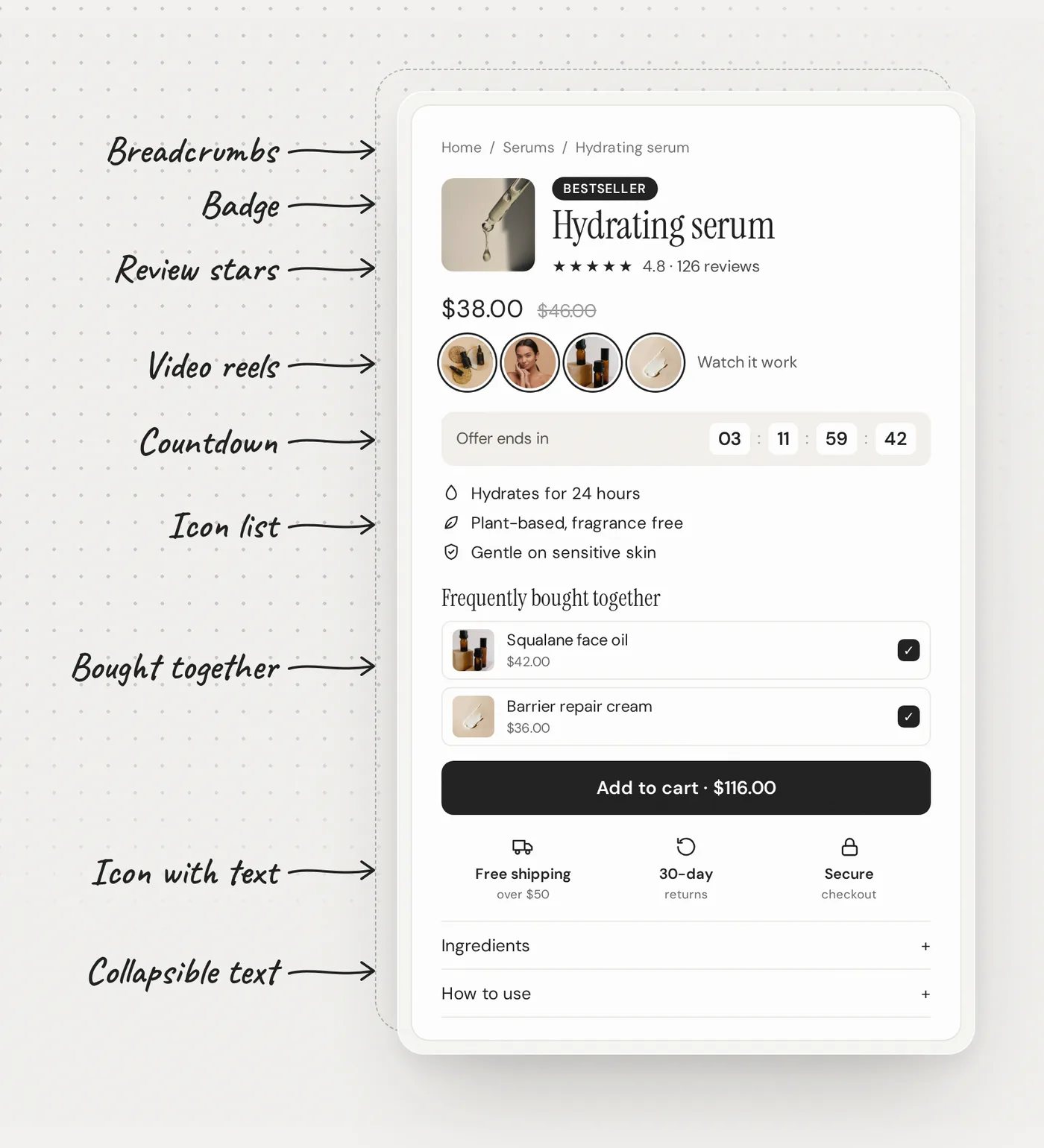
25+ blocks to boost sales
For Horizon and other themes that support theme blocks. Add bundles, countdowns, reviews and more to raise order value and turn more visitors into buyers, styled to match your theme.
Made to fit your theme
Every Frontier section is edited in the theme editor, follows your brand, and can be updated or removed without touching the rest of your theme.
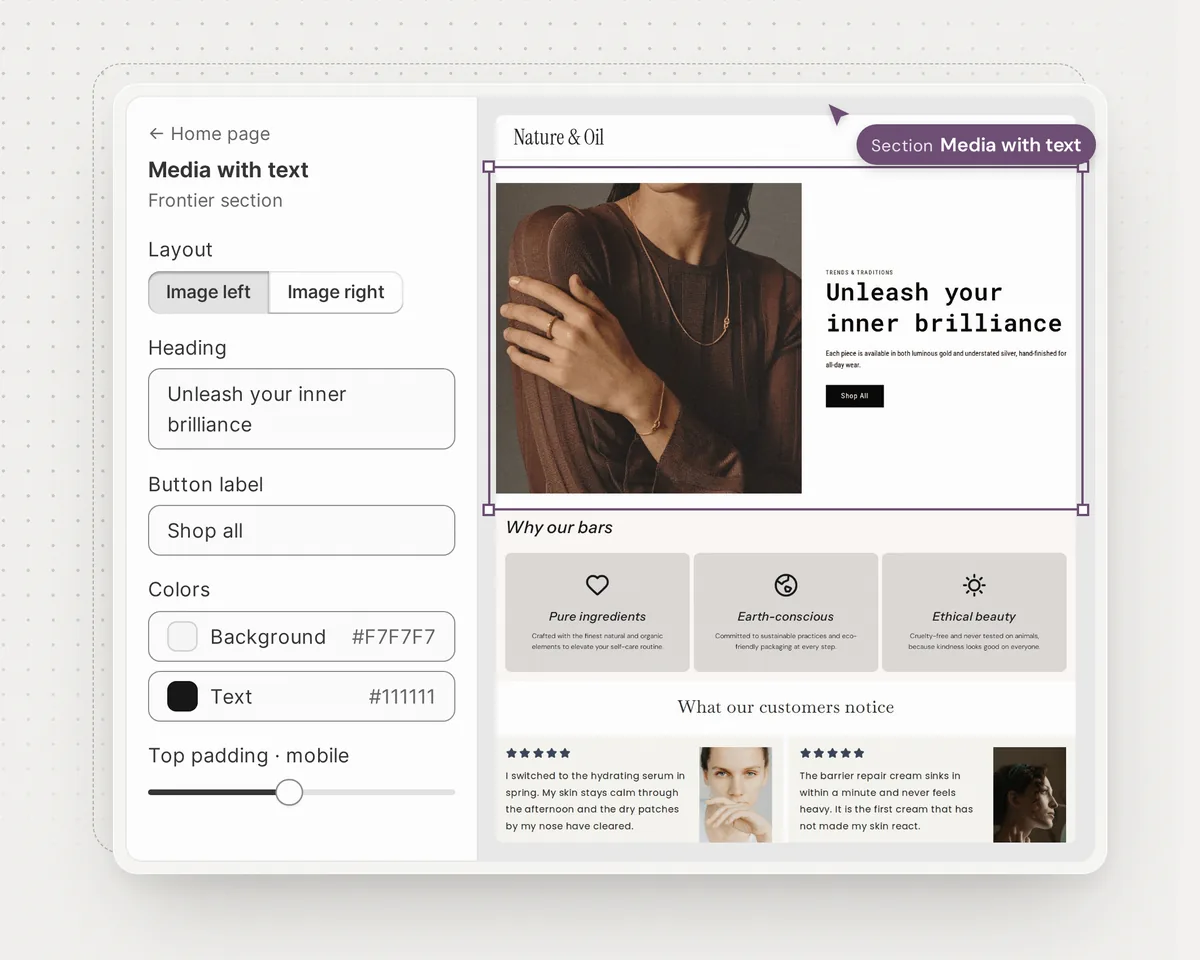
Make it yours in the theme editor
- Every setting in the sidebar
- Start from ready-made layouts
- Separate spacing for mobile
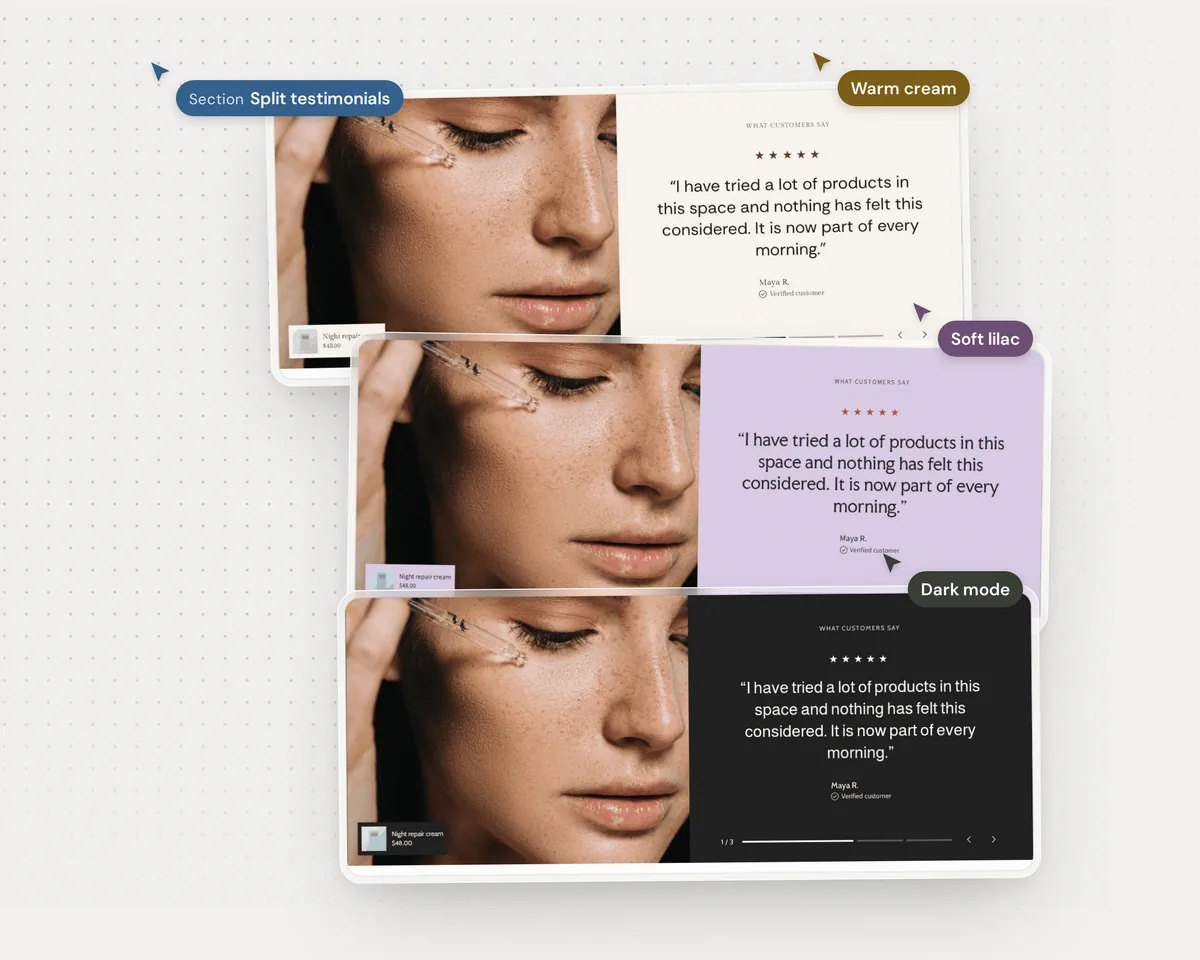
Every section in your brand colors
- Set background, text and button colors
- Follows your theme’s fonts and corners
- Available in 6 languages
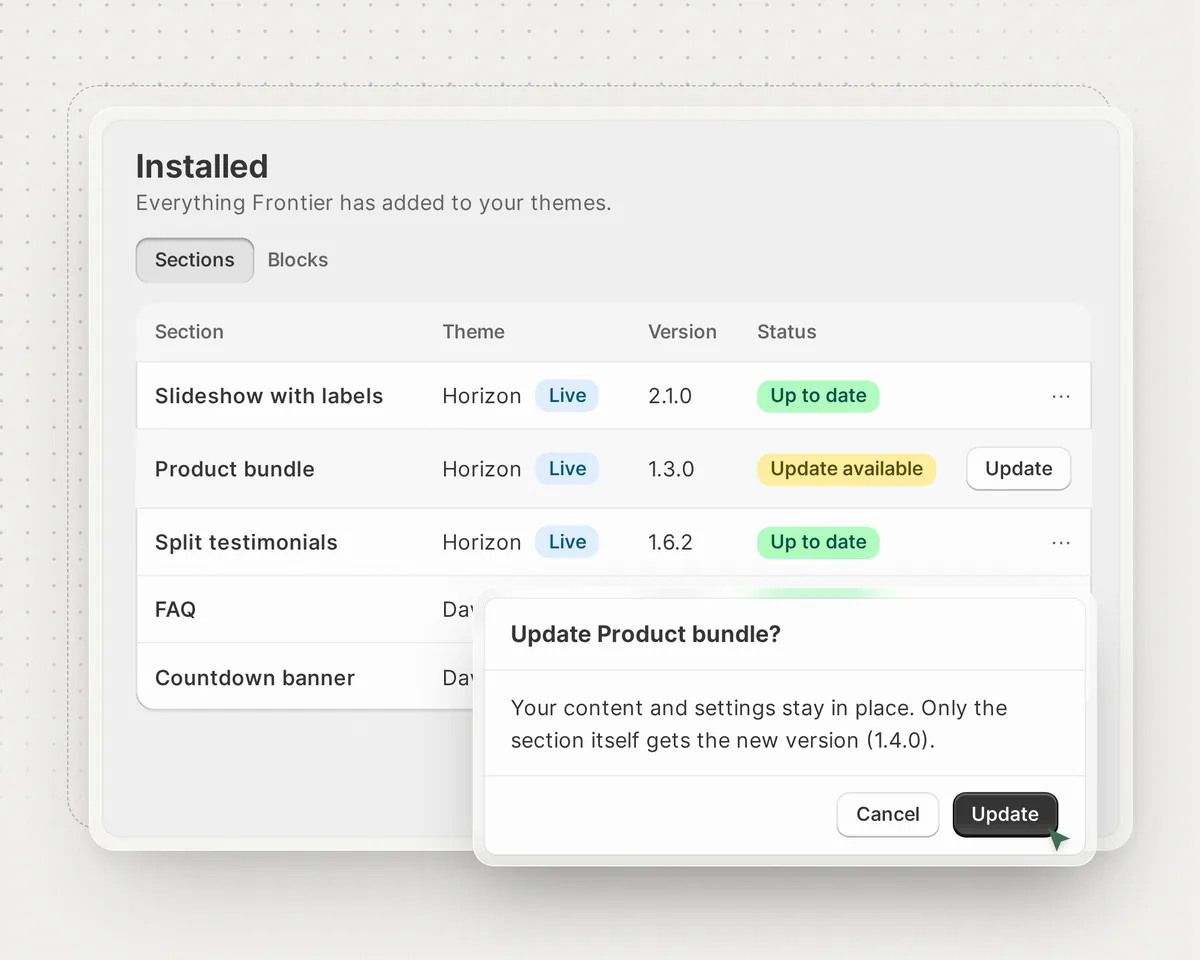
Update or remove at any time
- See every section you’ve added
- Get improvements with one click
- Remove cleanly; nothing else changes
Free to use
Every section and block, plus updates and support, at no cost.
Join the waitlist- 80+ ready-made sections
- 25+ blocks for themes that support theme blocks
- One-click updates
- Email support and step-by-step guides
Questions, answered
Can’t find what you need? Send us a message and our team will reply, typically within 12 hours.
When can I install Frontier?
Frontier is coming to the Shopify App Store. Join the waitlist and we’ll email you as soon as it’s live.
How much does Frontier cost?
Frontier is free to use.
Which themes does Frontier work with?
Frontier checks your theme before adding anything and tells you if it isn’t supported. Blocks need a theme that supports theme blocks, such as Horizon.
Do I need to know code?
No. You add sections and blocks, and edit every setting, in Shopify’s theme editor.
What happens when a section is updated?
The Installed page shows when an update is available, and you update with one click. Your content and settings stay in place. You can also remove a section at any time; nothing else in your theme changes.
How do bundle discounts work?
Frontier’s bundle and pricing blocks show your offer. The discount itself is a Shopify automatic discount, and our discount setup guides show how to match one to each block.
What support do I get?
Email support from the team that builds Frontier, typically within 12 hours, plus step-by-step guides in the Help Center.